

AI Motion Graphics for Social Media: How to Make Your Content Stand Out
By Malloy Studio - Published April 9, 2026
Social media videos are everywhere. Every brand, creator, and agency is publishing video content daily across YouTube, TikTok, Instagram, and LinkedIn. The bar for quality keeps rising while the time to produce keeps shrinking.
Motion graphics are one of the fastest ways to make your social media videos look more professional, communicate more clearly, and hold attention longer. The problem has always been that creating them takes specialised skills and expensive software.
AI motion graphics have removed that barrier. You can now generate custom animations from a text prompt and add them to your social content in minutes. If you want the broader workflow first, see how an AI motion graphics generator turns prompts into overlays.
Here is how to use AI motion graphics effectively across every major platform.
Quick Answer
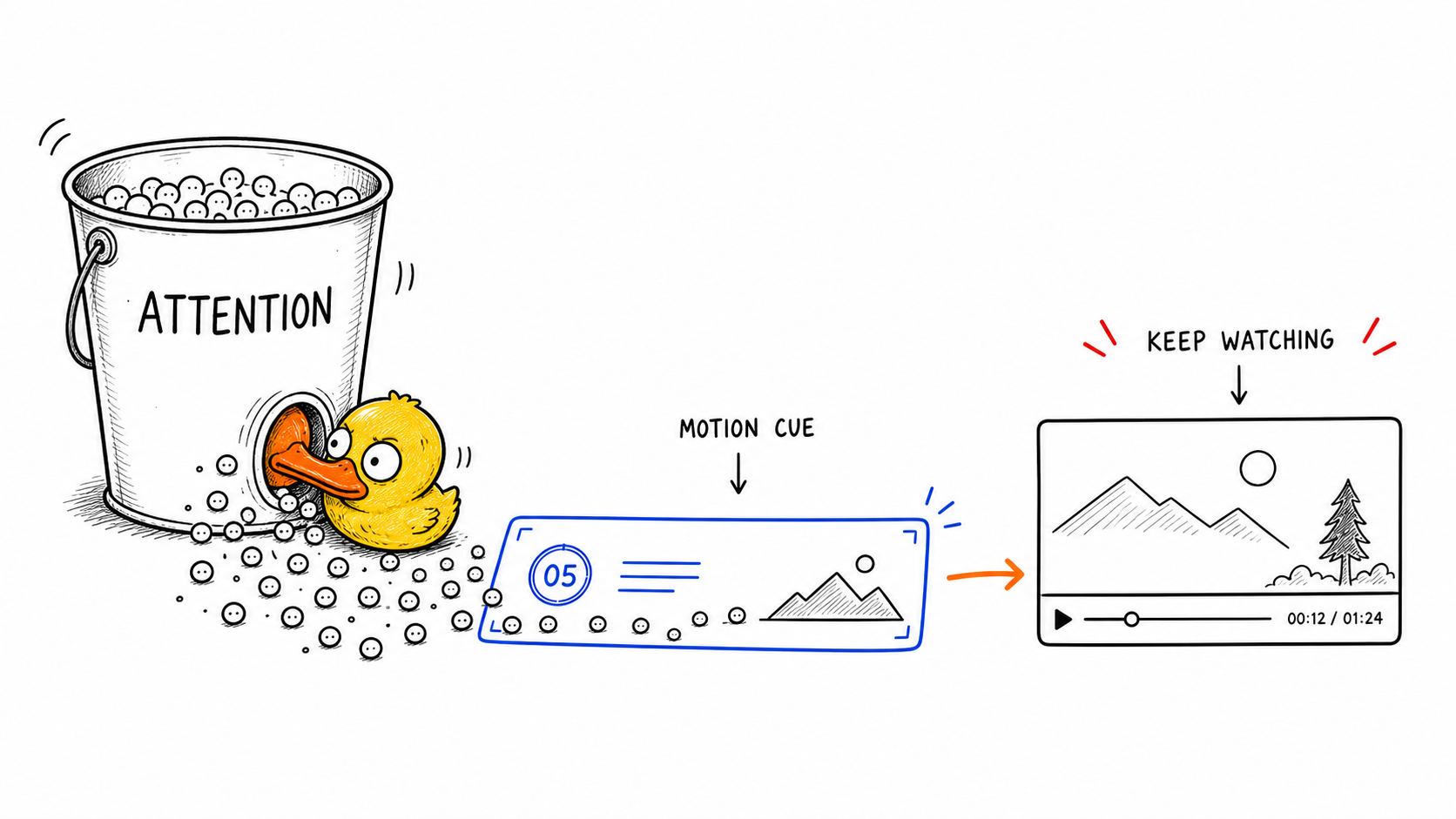
AI motion graphics help social media videos stand out by adding movement, structure, and visual clarity without a full design workflow. They work especially well for animated hooks, bold text reveals, captions, counters, charts, product callouts, list reveals, quote cards, and platform-specific overlays. On TikTok, Instagram Reels, and YouTube Shorts, use large readable motion in the first second so viewers understand the point even without sound. On YouTube and LinkedIn, use motion graphics to explain data, label sections, emphasize key ideas, and make product demos easier to follow. The best social motion graphics are simple, fast, mobile-readable, and tied to one clear message. AI makes this practical because you can generate variations quickly, adapt aspect ratios, reuse branded styles, and create more polished content without opening After Effects or hiring a designer for every post.
Why Do Motion Graphics Work on Social Media?
Before diving into tactics, it helps to understand why motion graphics perform so well in social content.
The bigger reason is covered in why motion graphics are no longer optional: viewers decide quickly, and motion gives them structure before they scroll away.
| Why it works | What it changes for social video |
|---|---|
| Grabs attention in the first second | An animated title or moving visual tells scrolling viewers that something is happening immediately. |
| Makes information visual | Statistics, comparisons, and processes become concrete instead of relying only on spoken words. |
| Adds production value without production cost | A single overlay can make a talking-head video feel like it had a full post-production pass. |
| Improves watch time | Visual variety keeps attention longer, which can help algorithmic distribution. |
How Should You Use AI Motion Graphics on YouTube?
YouTube rewards watch time and engagement. Motion graphics help with both by breaking up visual monotony and reinforcing key points.
What Works on YouTube
| Motion graphic | Why it works on YouTube |
|---|---|
| Animated data visualisations | Numbers like revenue, growth, comparisons, or rankings become more memorable when charts and graphs animate instead of sitting as static screenshots. |
| List reveals | Revealing points one at a time creates anticipation and gives each idea its own moment. |
| Lower thirds and titles | Animated speaker IDs and section titles give interviews, podcasts, and multi-segment videos a polished broadcast feel. |
| Callouts and annotations | Animated callouts direct attention to product features, code snippets, UI elements, or other on-screen details better than static arrows. |
YouTube-Specific Tips
| Tip | Reason |
|---|---|
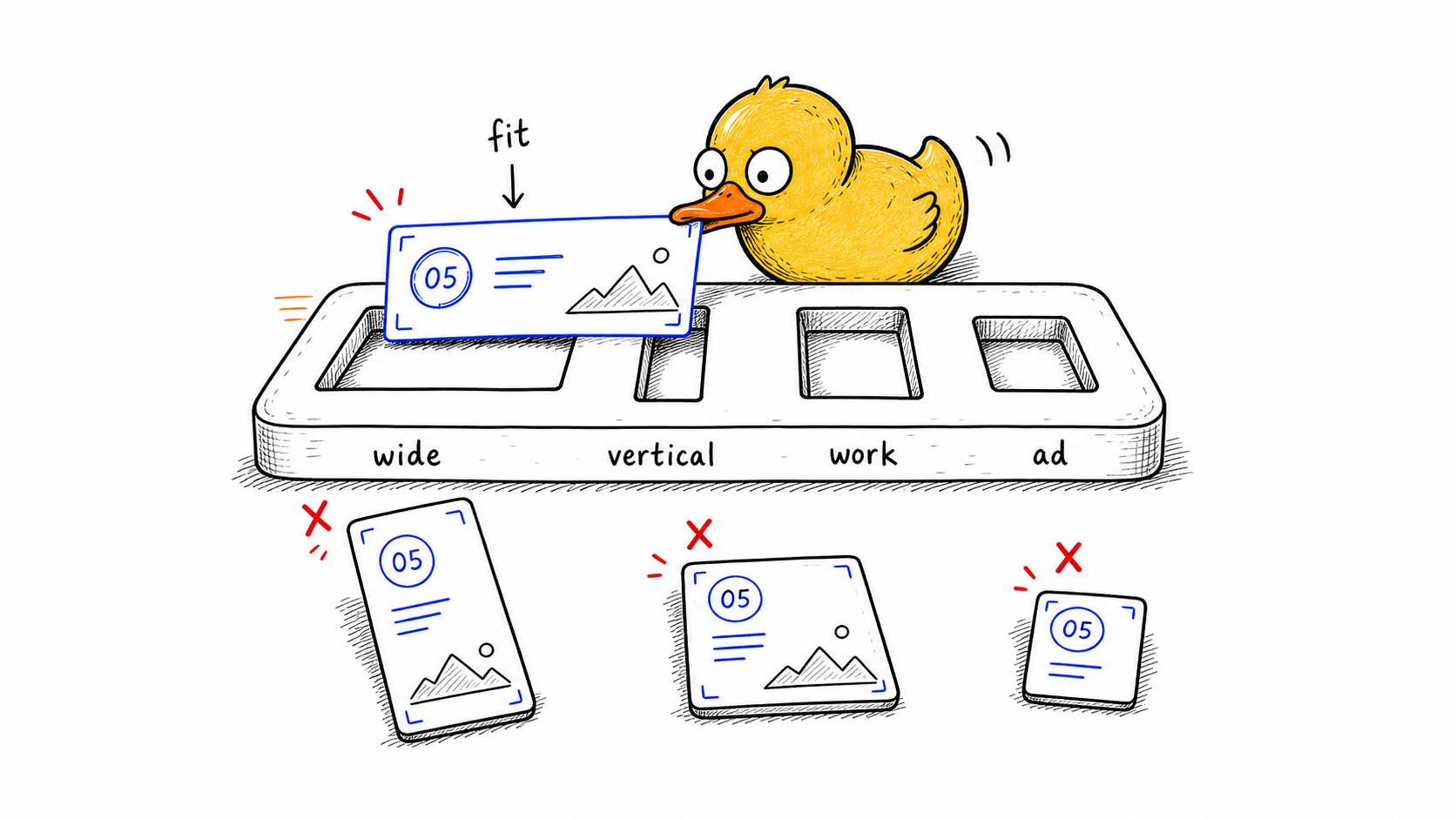
| Use 16:9 motion graphics | Standard YouTube content is usually landscape. |
| Keep animations under 3 seconds | Short motion enhances the video without becoming a distraction. |
| Match your channel's colour palette | Consistent colors make recurring graphics feel branded. |
| Add motion at retention drop-off points | Fresh visual cues can re-engage viewers when attention dips. |
AI Motion Graphics for TikTok and Instagram Reels
Short-form vertical video is the most competitive format in social media. Every second counts, and the difference between a scroll-past and a watch-through often comes down to visual polish.
What Works on Short-Form
| Motion graphic | Why it works on TikTok and Reels |
|---|---|
| Bold animated text | Text that types, slides, or pops matches the speed and energy viewers expect from short-form content. |
| Quick data callouts | Single-stat moments hit harder when the number animates instead of appearing as static text. |
| Transition overlays | Shape wipes and animated dividers keep pacing tight between sections. |
| Reaction and emphasis graphics | Checkmarks, X marks, and highlight circles add emphasis without extra B-roll or jump cuts. |
Short-Form Tips
| Tip | Reason |
|---|---|
| Use 9:16 vertical format | Short-form platforms are built around vertical video. |
| Front-load your best motion graphic | The first 1-2 seconds decide whether people keep watching. |
| Keep text large and readable | Most viewers watch on small screens. |
| Use fast animations | Short-form motion should usually finish within 1-2 seconds. |
AI Motion Graphics for LinkedIn
LinkedIn video is less saturated than other platforms, which means well-produced content stands out even more. The audience skews professional, so motion graphics that communicate business value perform particularly well.
What Works on LinkedIn
| Motion graphic | Why it works on LinkedIn |
|---|---|
| Process diagrams | Frameworks, workflows, and business models are easier to understand when the diagram builds step by step. |
| Metric highlights | Animated counters, comparison charts, and performance graphs make business results more compelling and shareable. |
| Quote animations | Animated testimonials or notable quotes feel native to LinkedIn and help drive engagement. |
LinkedIn Tips
| Tip | Reason |
|---|---|
| Use 1:1 or 16:9 format | Choose based on whether the video is a feed post or article-style video. |
| Keep the style clean and professional | Minimal colors and clear typography build trust. |
| Add captions | Most LinkedIn users watch without sound. |
| Front-load your key insight | LinkedIn rewards early engagement. |
AI Motion Graphics for Ads
Paid social ads live or die on performance metrics. Motion graphics directly impact click-through rates, view duration, and conversion by making ads more visually compelling and easier to understand.
What Works in Ads
| Motion graphic | Why it works in ads |
|---|---|
| Product feature callouts | Animated labels, arrows, and highlights increase comprehension and click-through rates by pointing directly at the promoted feature. |
| Before/after comparisons | Animated transitions create a persuasive narrative arc faster than static comparison images. |
| Urgency and offer graphics | Countdown timers, price callouts, and pulsing offer badges draw attention to the call to action. |
| Social proof counters | Numbers like "Join 10,000+ teams" feel more compelling when the counter animates up. |
Ad Tips
| Tip | Reason |
|---|---|
| Test multiple motion graphic styles | Ad performance depends on creative fit, so variation matters. |
| Keep total video length under 30 seconds | Most paid placements reward concise creative. |
| Make sure motion reinforces the CTA | Motion should guide action, not distract from it. |
| Export at the highest supported resolution | Sharper assets protect perceived quality across placements. |
How to Create AI Motion Graphics for Social Media
The workflow is the same regardless of platform:
-
Write a prompt describing the motion graphic you need. Be specific about what appears, how it animates, and what style it should have. Include "transparent background" if you are overlaying on footage.
-
Generate and refine. AI tools like Malloy Studio produce your animation in seconds. Adjust text, colours, timing, and layout using the built-in controls.
-
Export for your platform. Choose the right aspect ratio. 16:9 for YouTube and landscape ads, 9:16 for TikTok and Reels, 1:1 for LinkedIn feed posts. Export as a transparent video file.
-
Add to your edit. Import the transparent video into Premiere Pro, DaVinci Resolve, Final Cut Pro, or CapCut and layer it over your footage.
The entire process from prompt to finished overlay takes minutes. That means you can create custom motion graphics for every piece of content instead of reusing the same template across everything.
Building a Motion Graphics System for Your Content
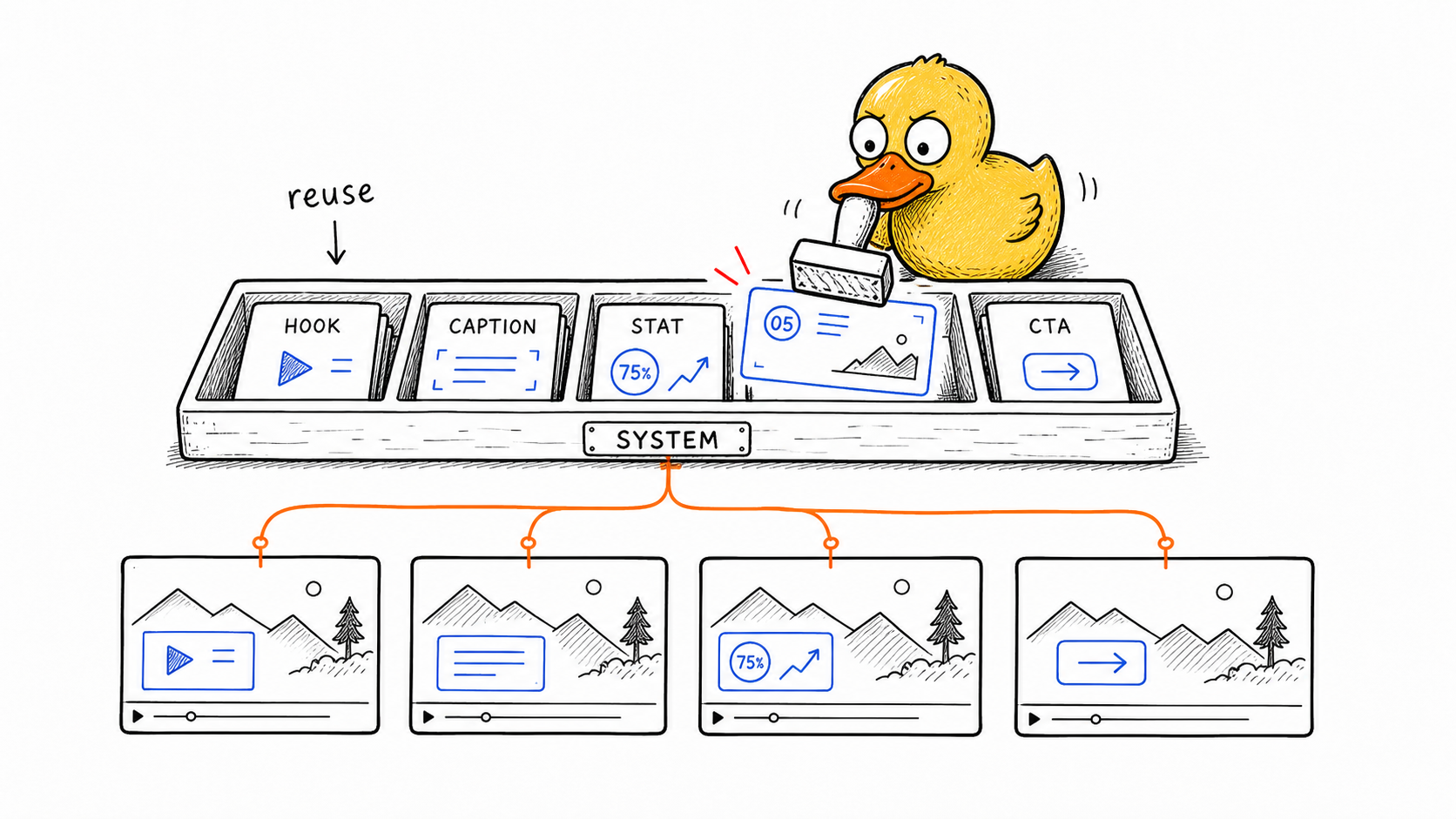
The real leverage of AI motion graphics comes when you build a system around them. Instead of treating each motion graphic as a one-off, create a consistent visual language for your brand.
| System habit | How to apply it |
|---|---|
| Define your style | Pick 2-3 colours, a preferred animation style, and standard element types to include in every prompt. |
| Create by category | Organise a library by use case, such as titles, data visualisations, callouts, transitions, and lower thirds. |
| Batch your creation | Generate all the motion graphics for a video in one session instead of switching contexts throughout the edit. |
| Repurpose across formats | Regenerate the same idea for each platform, such as turning a 16:9 chart into a 9:16 Reel graphic. |
FAQ
Why do motion graphics help social media videos stand out?
Motion graphics help social media videos stand out because they make important information visible fast. Animated titles, callouts, counters, and diagrams give viewers something clear to notice before they scroll away.
They also make ideas easier to understand without relying only on captions or spoken explanation.
What motion graphics work best for TikTok and Instagram Reels?
For TikTok and Instagram Reels, the best motion graphics are large, simple, and vertical-friendly. Animated hooks, bold text reveals, callouts, counters, checklist steps, and quick visual explanations work well.
Keep text readable on a phone and avoid tiny labels or crowded layouts. Mobile clarity matters more than complexity.
What motion graphics work best for YouTube?
For YouTube, motion graphics work best when they support structure and retention. Use animated section titles, lower thirds, data visualisations, list reveals, timeline graphics, and callouts that reinforce important points.
Longer videos benefit from motion graphics that reset attention and make the next idea feel easy to follow.
How should I use motion graphics in ads?
Use motion graphics in ads to clarify the offer, highlight proof, show product steps, or reinforce the call to action. They should make the message easier to understand, not compete with it.
Test multiple styles, but keep each motion graphic focused. A clean animated benefit or counter often works better than a busy visual effect.
Can I reuse AI motion graphics across different social platforms?
Yes. You can reuse AI motion graphics across platforms by adapting the same idea to different aspect ratios and reading conditions. A YouTube chart can become a vertical Reel graphic, and a LinkedIn explainer can become a shorter ad overlay.
The key is to adjust text size, layout, pacing, and safe zones for each platform.
Related articles
Keep reading
June 8, 2026
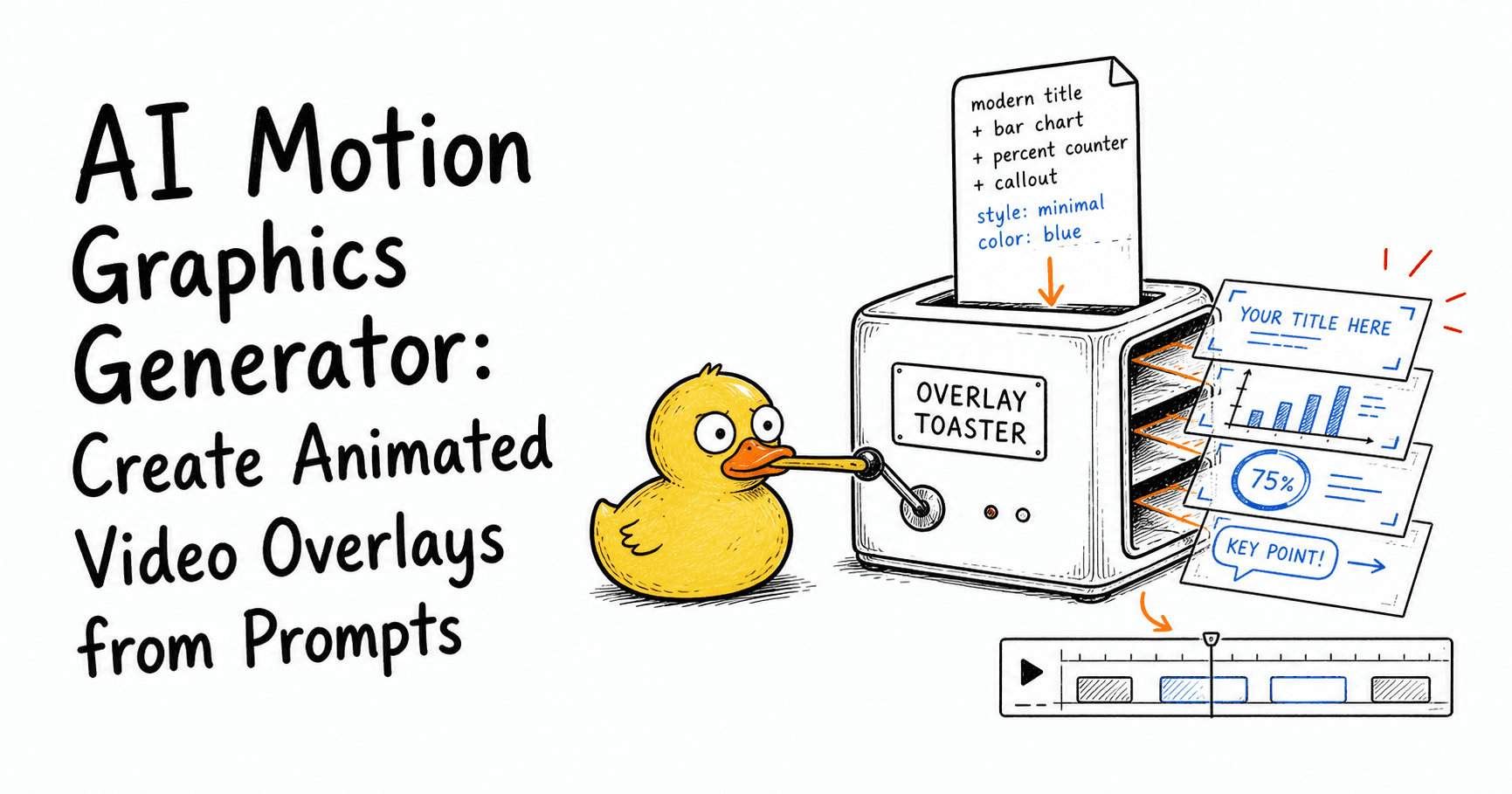
AI Motion Graphics Generator: Create Animated Video Overlays from Prompts
Learn what an AI motion graphics generator is, how it works, what to use it for, and how to create animated titles, charts, callouts, counters, and overlays from prompts.

December 30, 2025
Why Motion Graphics Are No Longer Optional in 2026
In 2026, motion graphics are part of how videos are expected to work. Learn why they matter and how to start using them today.

April 11, 2026
How to Make Simple Motion Graphics with AI: A Complete Beginner's Guide
Learn how to make simple motion graphics with AI in minutes. No design skills or After Effects needed. A step-by-step beginner's guide to AI motion graphics.
The Competitive Advantage
Most social media video still goes out without motion graphics. The creator or team knows it would look better with animated titles, data visualisations, and callouts, but the effort of creating them traditionally means they get cut from the workflow.
AI motion graphics eliminate the effort barrier. When generating a custom animation takes the same time as adding a text overlay, there is no reason not to include it.
The teams and creators who adopt this workflow now will have a visible production quality advantage over those who do not. Not because the technology is complex, but because they removed the friction between wanting motion graphics and actually having them in every video.
Try Malloy Studio to start creating AI motion graphics for your social content today.