

AI Generated Content Is Hard to Control: How Malloy Makes Motion Graphics Editable
By Malloy Studio - Published June 22, 2026
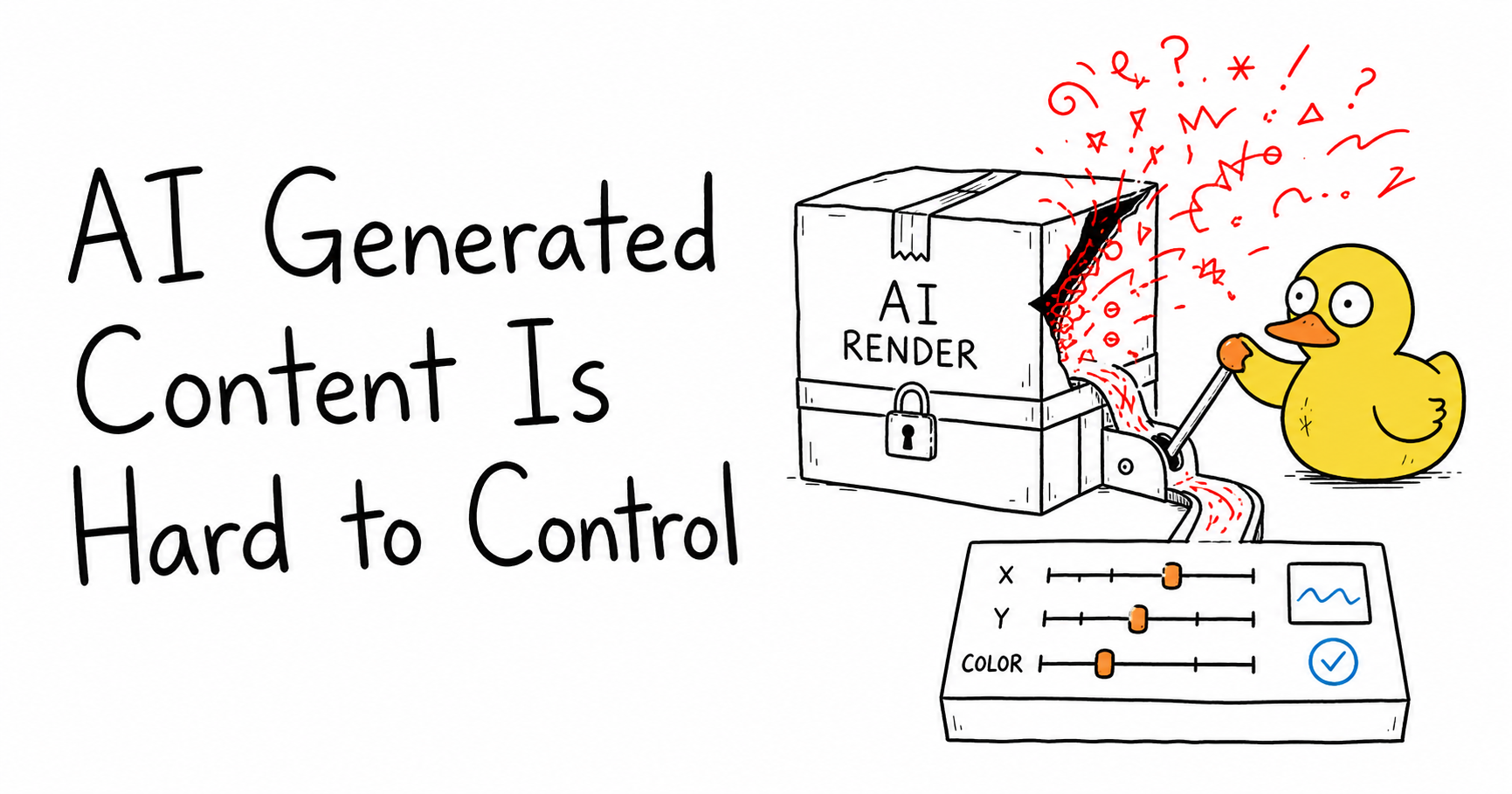
One of the fairest objections to AI-generated content is simple: it can be hard to control.
You ask for one thing, the model gives you something close, and then the painful part begins. The text is a little off. The chart is almost right. The title is too low. The color is wrong. The timing feels rushed. The result looks good enough to keep, but not accurate enough to publish.
With many AI tools, that means you have to regenerate and hope. That is frustrating because the output is a fixed render. You are editing pixels, not the underlying parts.
Malloy Studio is built around a different idea. For motion graphics, the useful output is not just a generated animation. It is an editable template with controls.
That distinction matters. If you want the broader category first, start with the AI motion graphics generator guide. If you care about repeatable, editable video systems, the code to video generation guide explains the same principle at a wider level.
Quick Answer
AI-generated content is hard to control when the tool gives you a fixed render and asks you to regenerate every time something is wrong. Malloy Studio avoids that problem by turning generated motion graphics into editable templates. After generation, you can adjust parameters such as text, values, font sizes, colors, layout, timing, X and Y position, chart axes, labels, background, and export format. If the control you need is not already exposed, you can ask the AI to add it. For example, you can ask Malloy to make the title's X and Y position adjustable, expose font size controls, add a color control for each chart bar, or let you tune the spacing between elements. The AI gets you to a usable first draft quickly, but the template controls help you decide how the final animation behaves.
Why AI Content Feels Hard to Control
Most AI content tools are optimized for the first generation.
That first moment is exciting. You write a prompt, wait a few seconds, and get something visual back.
The problem appears during the second moment: revision.
For content that needs to be accurate, the first draft is rarely the final draft. A creator might need to change a number. A marketer might need a specific brand color. A product team might need the label to match the feature name exactly. A video editor might need the callout to sit 40 pixels higher so it does not cover someone's face.
If the output is a flat video or image, small changes become large requests:
- Regenerate the whole animation
- Rewrite the prompt
- Hope the model keeps the parts you liked
- Fix a new problem that appeared in the next version
- Repeat until it is acceptable
That is not control. That is negotiation.
The issue is not that AI is useless. The issue is that a fixed output gives you too few handles after the generation is done.
The Better Output Is an Editable Template
Malloy Studio treats generated motion graphics as templates.
That does not mean you are only picking from a rigid marketplace template. It means the AI-generated result is structured so the important parts can be adjusted after generation.
A motion graphic is naturally made of pieces:
- Text
- Shapes
- Images
- Icons
- Data values
- Chart labels
- Colors
- Font sizes
- Element positions
- Animation timing
- Background settings
- Export settings
When those pieces are exposed as parameters, the animation becomes easier to control.
You are no longer asking the AI to remake the entire graphic because one label is too small. You can change the label. You are no longer regenerating because the card should sit further left. You can adjust the X position. You are no longer stuck because one chart bar should use a different accent color. You can change the color.
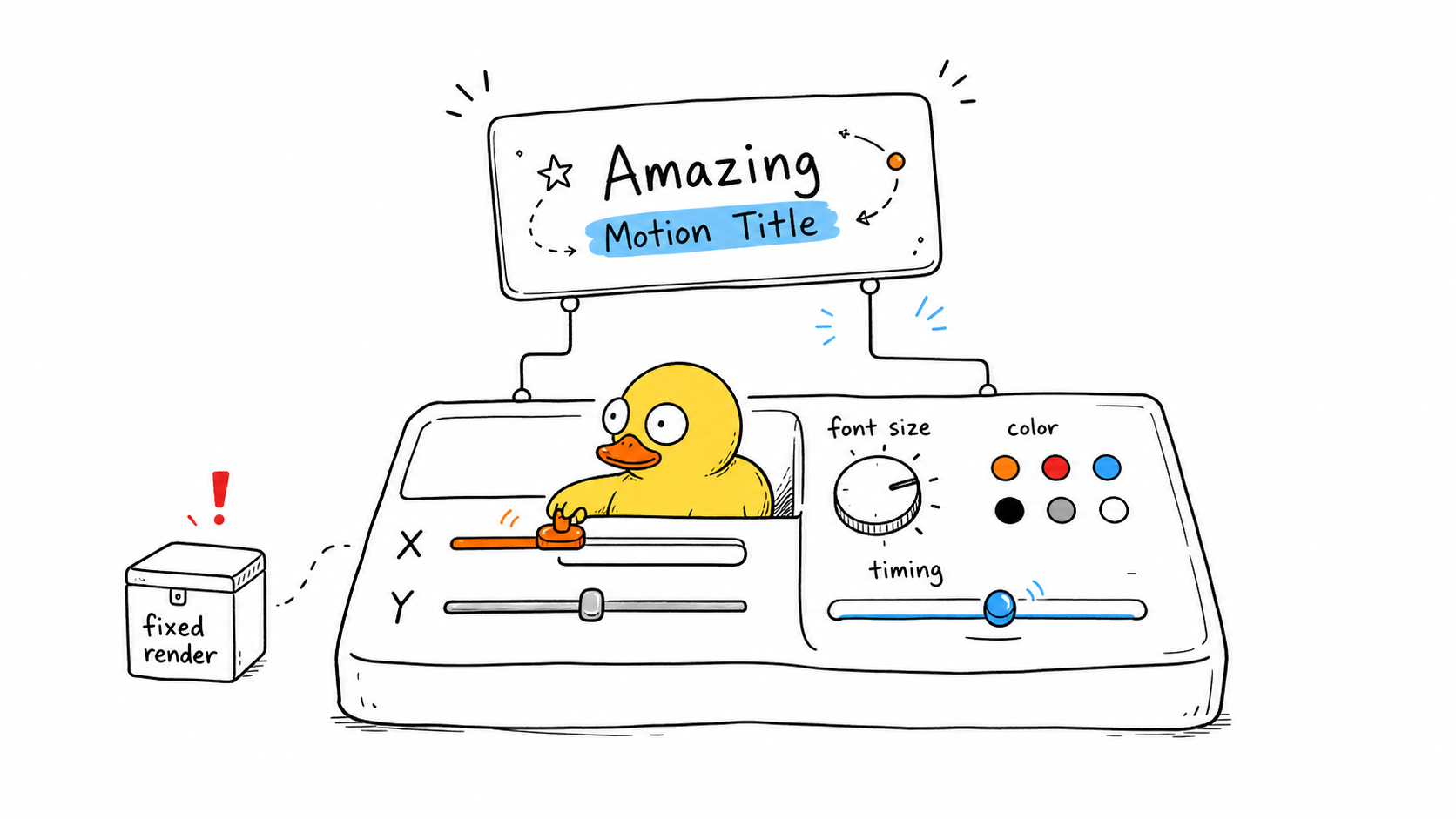
This is the practical middle ground between a fully manual tool and a one-shot AI render.
The AI creates the first structure. The controls let you finish it.
What Can You Control in a Malloy Animation?
The exact controls depend on the animation, but the point is that Malloy graphics are built to expose the parts that matter.
Common controls include:
| Control | Why it matters |
|---|---|
| Text | Fix headlines, labels, captions, names, subtitles, and calls to action without regenerating. |
| Values | Update numbers, percentages, prices, dates, and chart data when the content changes. |
| Font size | Make titles readable on mobile, fit long labels, or reduce text that feels too loud. |
| Colors | Match brand colors, change chart accents, or improve contrast for a specific video background. |
| X and Y position | Move elements away from faces, captions, UI details, logos, or other important parts of the footage. |
| Layout | Adjust spacing, alignment, card size, chart placement, and visual hierarchy. |
| Timing | Slow down reveals, delay an annotation, or make a sequence match the edit. |
| Chart axes and labels | Keep data graphics readable and accurate instead of baking chart mistakes into a render. |
| Background | Choose transparent overlays, clean backgrounds, or editor-friendly exports depending on where the asset goes. |
| Export format | Send the result into Premiere Pro, DaVinci Resolve, Final Cut Pro, CapCut, or another editing workflow. |
Here are a few examples from Malloy templates:
The important part is not that every template has the same controls. The important part is that the animation is not trapped as a flat asset. It can expose the controls that are useful for that specific graphic.
If You Need More Control, Ask for It
This is where AI becomes useful in a more practical way.
You are not limited to the first set of controls. If you need a control that is missing, ask the AI to expose it.
For example:
- "Let me adjust the X and Y position of the title."
- "Make the subtitle font size editable."
- "Add a separate color control for each chart bar."
- "Let me change the start and end values of the counter."
- "Expose the spacing between the icon and the label."
- "Add a control for the pointer position."
- "Make the background transparent by default."
- "Let me adjust the chart axis labels."
That is a different relationship with AI.
You are not only asking it to produce the final look. You are asking it to create the controls you need to finish the job.
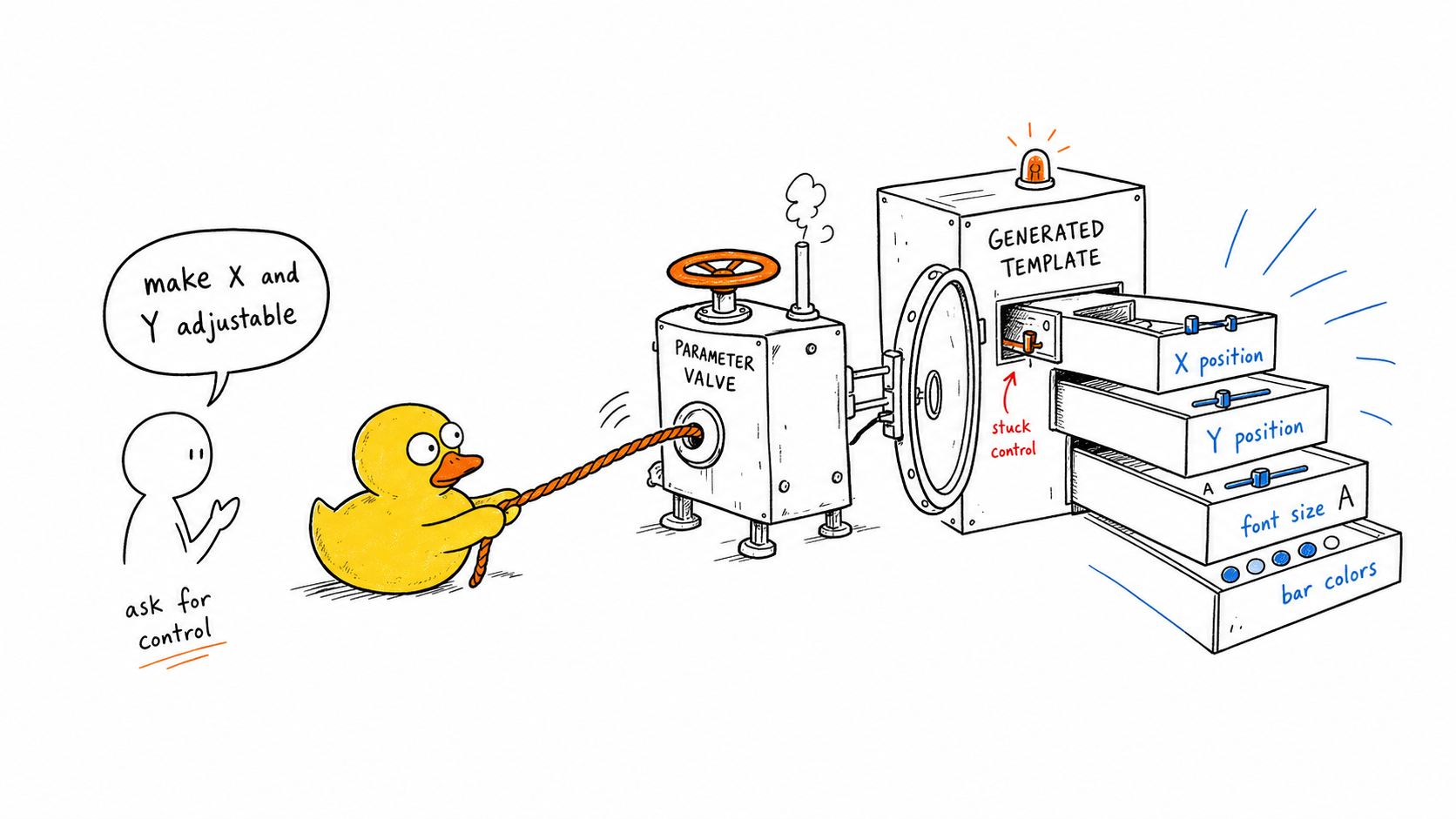
This is especially useful for motion graphics because the same design can be used in many contexts.
An animated quote might need to sit lower in a talking-head video. A chart might need different colors for a brand campaign. A lower third might need more spacing for a long job title. A list reveal might need slower timing for an educational video.
When those details are parameters, the animation becomes reusable.
Fixed Render vs Editable Template
The difference becomes clearest when something is wrong.
With a fixed render, the mistake is part of the output. With an editable template, the mistake is part of the input.
That is a huge difference.
| Problem | Fixed AI render | Malloy editable template |
|---|---|---|
| Wrong text | Regenerate and hope the rest stays the same. | Edit the text field. |
| Wrong color | Rewrite the prompt or fix it elsewhere. | Change the color parameter. |
| Element covers footage | Ask for a new layout. | Adjust X and Y position. |
| Chart value changes | Generate a new chart animation. | Update the value or data field. |
| Timing feels too fast | Request another version. | Adjust timing controls. |
| Need another version | Start another prompt cycle. | Reuse the same template with new inputs. |
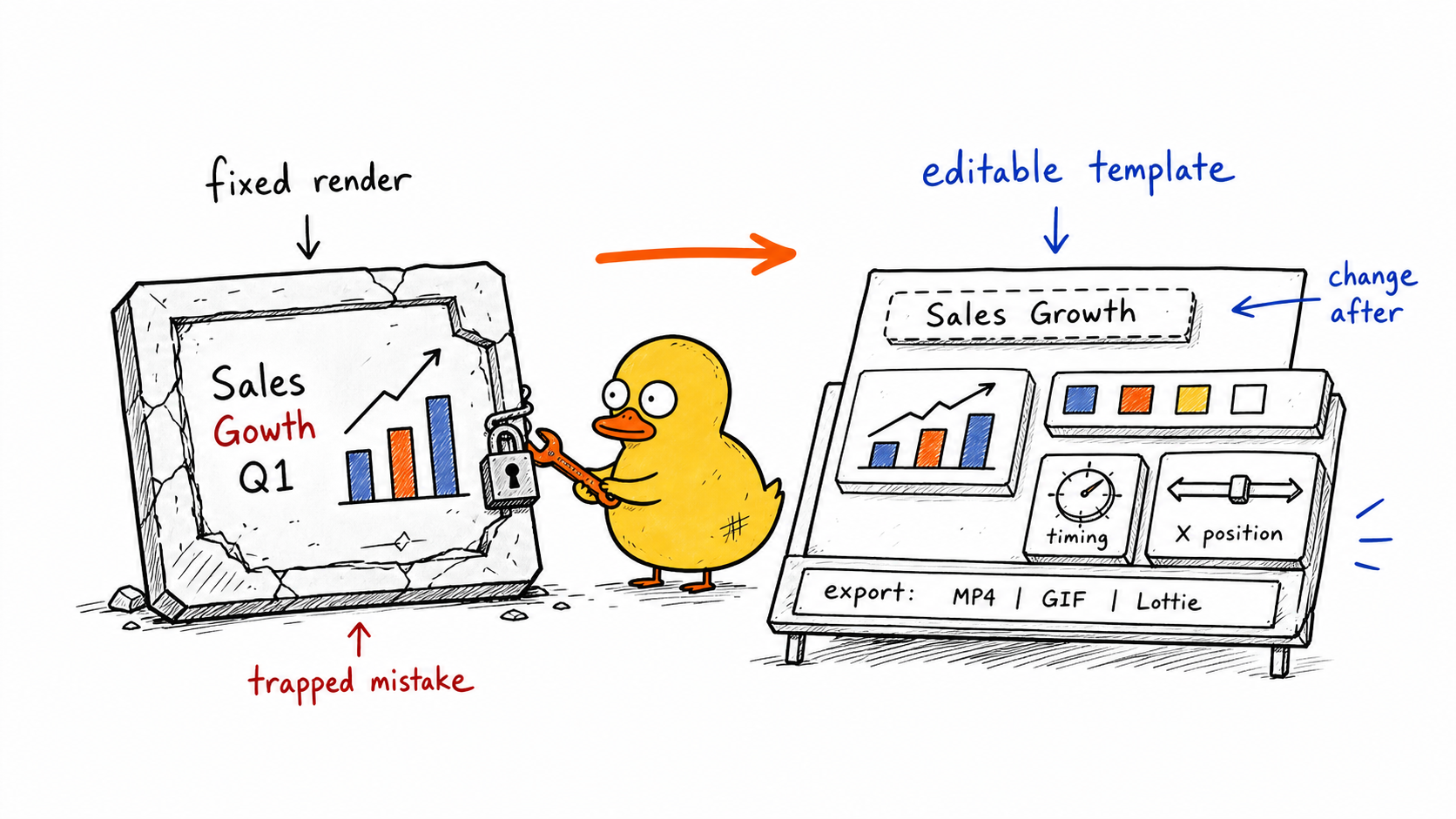
This is why Malloy is useful for everyday motion graphics.
Most creators and teams are not trying to make a mysterious AI artwork. They need an accurate graphic for a real video. A title. A lower third. A callout. A chart. A counter. A list reveal. A social overlay. The graphic has to look clean, fit the edit, and stay correct.
Editable templates are what make that possible.
Templates Do Not Mean Less AI
It is easy to hear "template" and imagine something rigid.
That is not the point.
In Malloy, the template is the structure that lets the AI output remain useful after the first generation. The AI can still interpret the prompt, create the visual direction, decide the initial layout, and build the motion. The template layer makes the result controllable.
Think of it like asking someone to design a document in a format you can edit instead of sending you a screenshot.
The design can still be custom. The difference is that you can change it.
For the same reason, templates are useful after generation:
- You can reuse a graphic for a series
- You can create variations for different platforms
- You can update old content when numbers change
- You can keep brand colors consistent
- You can make one animation fit several videos
The best workflow is not "AI or templates." It is AI-generated templates that stay editable.
When You Still Need Manual Tools
Control does not mean Malloy replaces every motion design workflow.
If you need advanced compositing, frame-by-frame animation, complex 3D, unusual art direction, or deeply custom brand motion, a tool like After Effects can still be the right choice. That is covered in more detail in the AI motion graphics vs After Effects guide.
Malloy is for the large category of motion graphics that should not require that much manual work:
- Animated titles
- Lower thirds
- Quote cards
- Data charts
- Counters
- Callouts
- UI annotations
- List reveals
- Social overlays
- Product explainer graphics
These graphics need control, but they do not always need a full timeline, keyframes, layers, plugins, and a long export process.
They need a clear prompt, a good first draft, and editable parameters.
FAQ
Is AI-generated content hard to control?
AI-generated content is hard to control when the output is a fixed image or video and the only way to make changes is to regenerate. That creates a loop where one fix can break another part of the result.
For motion graphics, a better workflow is to generate an editable template with controls for text, layout, color, timing, data, and position.
Can I edit Malloy animations after generating them?
Yes. Malloy Studio generated animations are designed to behave like editable templates. You can adjust the parameters exposed by the animation, such as text, colors, values, layout, timing, font size, and element position.
The goal is to keep the speed of AI generation while still giving you practical control over the final graphic.
Can I ask the AI to add controls?
Yes. If you need more control, ask for it in plain language. For example, ask Malloy to make the X and Y position adjustable, expose a font size control, add separate color controls, or make chart labels editable.
This lets you shape the template around the way you actually need to use the animation.
Is this the same as using a template?
It is related, but not the same as downloading a fixed marketplace template. Malloy uses AI to generate motion graphics from your prompt, then keeps the result editable through template controls.
That means the output can be custom to your request while still giving you the practical benefits of a template.
When would I still need After Effects?
Use After Effects when you need deep manual control, complex compositing, custom animation systems, 3D work, or high-end motion design. Use Malloy Studio when you need practical motion graphics quickly and want the result to stay editable.
Most video teams benefit from using both: Malloy for everyday titles, callouts, charts, counters, and overlays; After Effects for the few moments that need full professional motion design.
Related articles
Keep reading
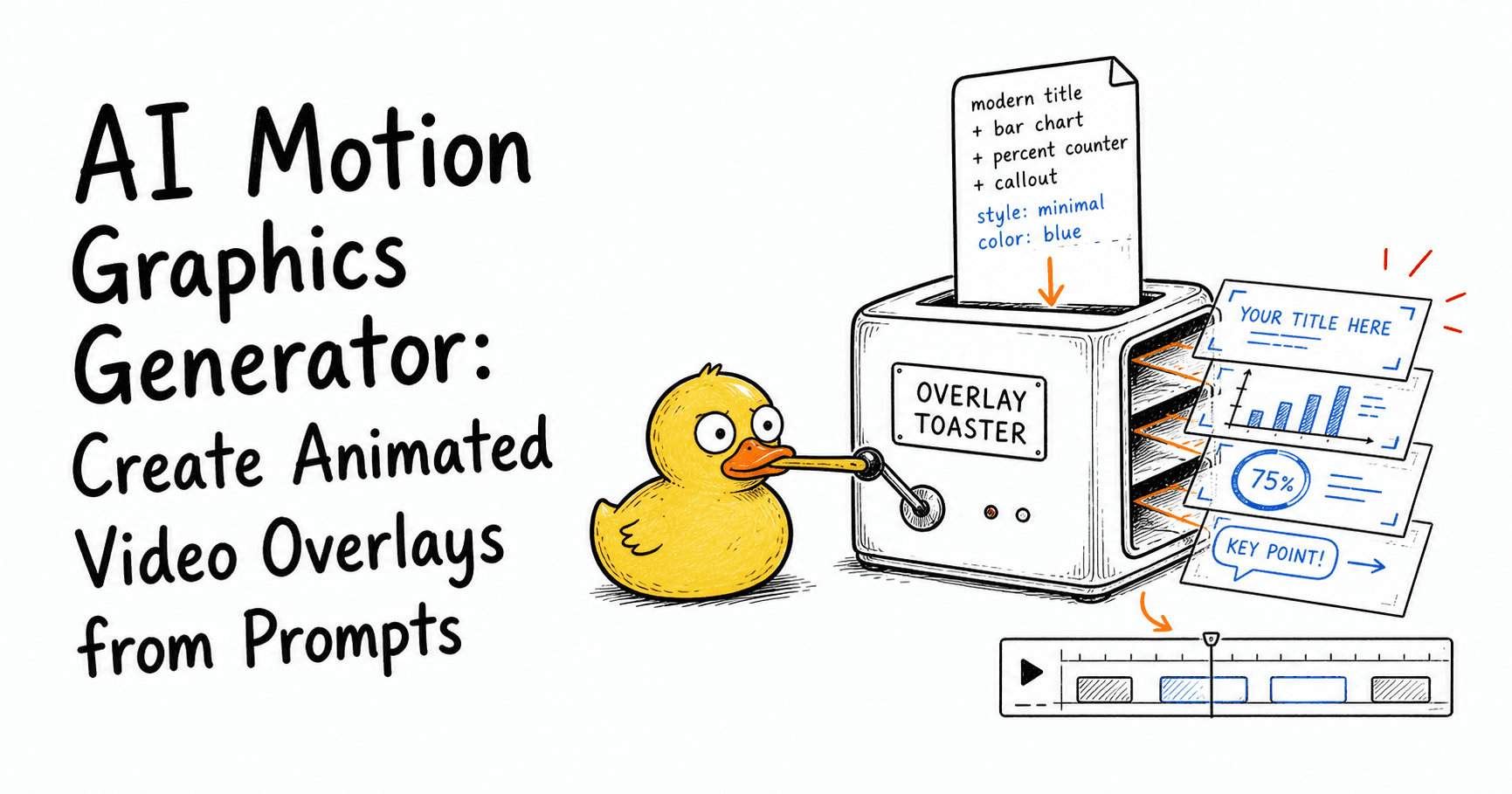
June 8, 2026
AI Motion Graphics Generator: Create Animated Video Overlays from Prompts
Learn what an AI motion graphics generator is, how it works, what to use it for, and how to create animated titles, charts, callouts, counters, and overlays from prompts.
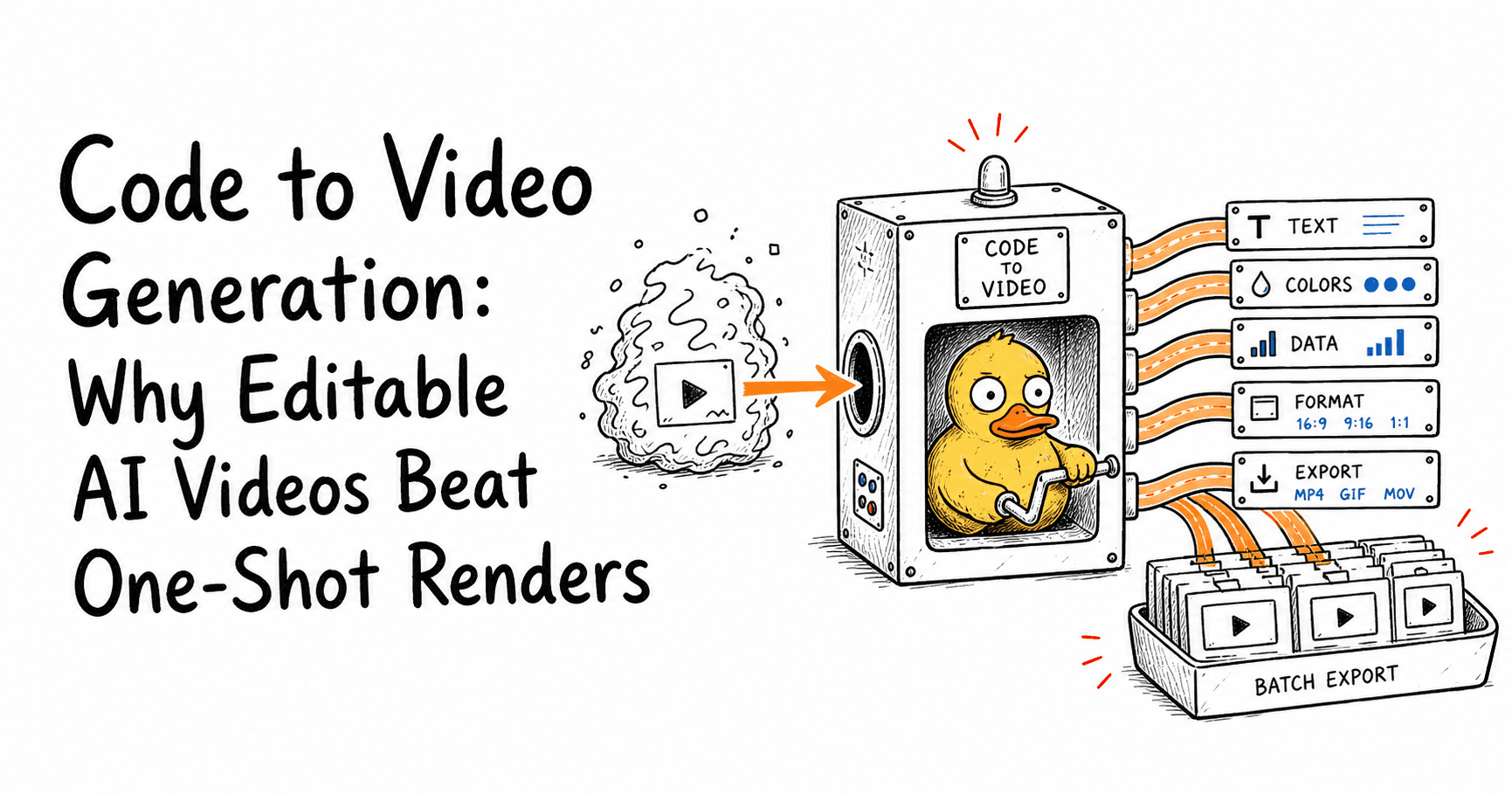
June 8, 2026
Code to Video Generation: Why Editable AI Videos Beat One-Shot Renders
Learn what code to video generation is, why it matters, and how editable, reusable video systems make it easier to create explainers, dashboards, stories, and bulk video content.
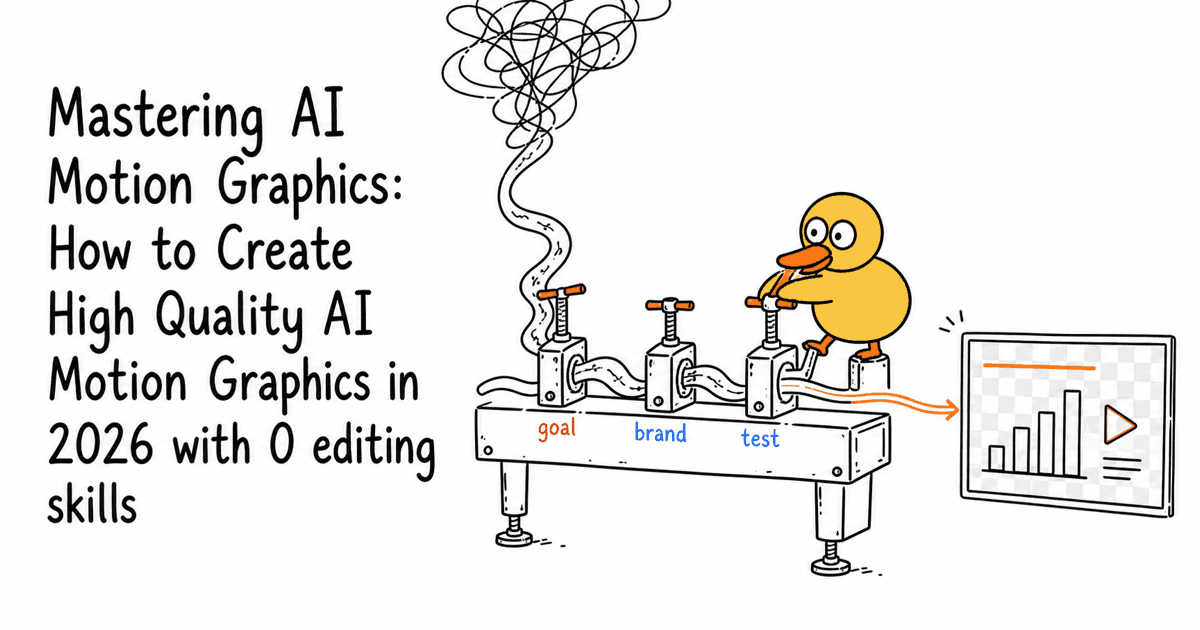
December 30, 2025
Mastering AI Motion Graphics: How to Create High Quality AI Motion Graphics in 2026 with 0 editing skills
Learn how to create professional AI motion graphics in 2026 with Malloy Studio. No editing skills required.
Final Thoughts
The objection is right: AI-generated content can be hard to control.
But that is mostly a problem with fixed outputs.
When AI motion graphics become editable templates, the workflow changes. You can generate the first version quickly, adjust the parameters, ask for more controls, reuse the structure, and export the graphic for your edit.
That is the practical version of AI for motion graphics. Not a mystery box. Not a flat render. A generated template you can actually control.
Try Malloy Studio to generate an editable motion graphic and adjust it for your next video.