

What's New in Pixel Duck 1.2 and Rubber Duck 1.3: Real Physics, Organic Motion, and 3D
By Malloy Studio - Published July 9, 2026
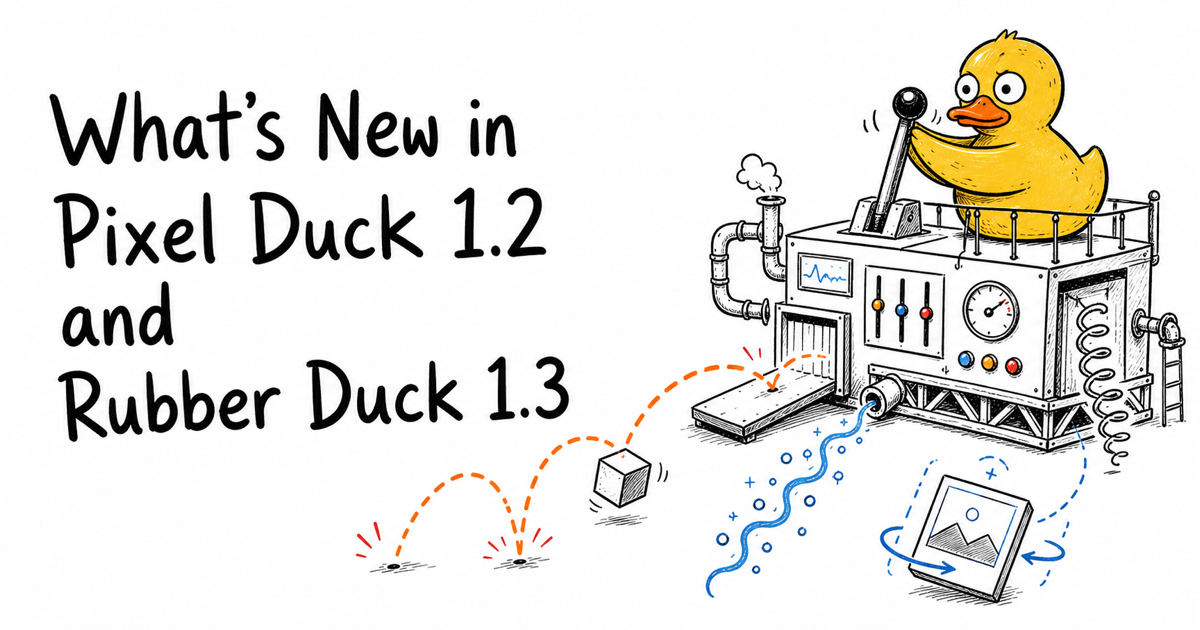
Our duck agents just got their biggest upgrade since launch.
Pixel Duck 1.2 and Rubber Duck 1.3 are live in Malloy Studio today, and they share three new abilities: real-life physics, organic noise-driven motion, and 3D animation. Every result is still an editable motion graphic. You can adjust text, colors, timing, and layout after the generation, and now you can do it on animations that bounce, drift, and rotate like the real world.
If you are new to the two modes, start with the Pixel Duck vs Rubber Duck guide. Everything below works in both.
1. Real-Life Physics
Until now, if you asked an AI motion graphics tool for "balls bouncing", you usually got something that looked like bouncing: a shape moving up and down on a fixed loop, with none of the weight or unpredictability that makes motion feel real.
Both ducks now run a real physics simulation. Gravity pulls objects down. They accelerate as they fall, collide with each other, bounce with believable energy, tumble, roll, and come to rest naturally. Nothing is keyframed by hand. The motion comes from the same rules that govern how things move in real life.
That means prompts like these now do exactly what they say:
PROMPT:Use real life physics to animate plinko board with balls bouncing through pegs Rubber Duck 1.3
PROMPT:Gift boxes tumble and stack into a pileIn the plinko example, every ball takes a different path through the pegs, just like the real game. In the gift box example, the boxes land on each other, settle, and stack imperfectly, the way real boxes would.
Here is what that looks like. One sentence, no keyframes: the ball drops, hits the floor, and loses a little energy on every bounce until it rolls out, exactly like the real thing.
PROMPT:Use real life physics to animate a basketball bouncingPhysics works best for anything where weight and collision are the point: falling confetti, coins dropping into a jar, product boxes stacking, dice rolls, wrecking-ball reveals, or game-style scenes like plinko and pinball. Say "physics", "gravity", "bounce", "tumble", or "stack" in your prompt and the ducks will take the hint.
2. Organic Motion
Some animations should not move in straight lines or perfect loops. Fireflies do not fly in circles. Dust does not fall in formation. Smoke, water, floating particles, and glowing light all have a subtle randomness that is hard to fake, and when a tool fakes it badly, you get that unmistakable "screensaver" look.
Both ducks can now generate organic motion: movement with smooth, natural variation built in. Instead of repeating the same mechanical path, elements wander, drift, and breathe, each one slightly different from its neighbors, never visibly looping, yet never jittery or chaotic. Think of it as the difference between a metronome and a breeze.
You do not need any special keywords. Describe the natural behavior you want:
PROMPT:Fireflies drifting lazily across a dark meadow at night, each glowing softlyPROMPT:Dust particles floating gently in a warm sunbeamOrganic motion shines in ambient scenes and backgrounds: particles, embers, snow, bubbles, floating shapes behind a title, gentle sway on plants or flags, and the soft flicker of glows and lights. It is also what makes looping backgrounds watchable for minutes without feeling repetitive, perfect for stream overlays, lyric videos, and website hero sections.
3. 3D Animation
Motion graphics live on a flat canvas, but the best ones do not feel flat. Pixel Duck 1.2 and Rubber Duck 1.3 can now animate in three dimensions: objects rotate in space, cards flip with real perspective, scenes carry depth, and elements move toward and away from the camera instead of just sliding across it.
That unlocks a set of looks that used to require dedicated 3D software:
- Product and card flips: a card, phone screen, or badge that turns in perspective to reveal its other side
- Rotating logos and objects: a coin spin, a slowly turning icon, a trophy rotating on a pedestal
- Depth-stacked scenes: layers separated in space, with foreground and background moving at different rates as the camera drifts
- Perspective entrances: titles and graphics that swing, tilt, or fly in from depth instead of sliding in flat
Try prompts like:
PROMPT:A matte black premium membership card in the style of an Amex Centurion, with embossed silver lettering and a metallic chip, floats at a slight angle in 3D perspective. It slowly rotates 180 degrees around its vertical axis, showing the thin edge of the card mid-turn while a soft light sweeps across the surface, and lands on the back, revealing the member benefits.3D is not just about rotating objects. Cloth, folds, and rippling surfaces are depth effects too, and sometimes a short prompt is all it takes:
PROMPT:Animate a super realistic American flagThe more dimensional detail you give, like the axis of rotation, the angle, and how the light moves, the stronger the 3D effect. And like everything else the ducks make, the result stays editable: you can change the card text, the colors, and the timing of the flip without regenerating the scene. For more prompt ideas, browse the examples page.
Mix Them Together
These three abilities are not separate modes you switch between. They are new tools both ducks reach for whenever your prompt calls for them. You can combine them in one scene:
PROMPT:A 3D gift box drops in with real physics, bounces to a stop, and glowing particles drift up around itPROMPT:A gold trophy spins in 3D as it falls onto a podium, lands with a heavy bounce, and confetti tumbles down while sparkles drift up around itAnd because every generation is an editable motion graphic, you can still fine-tune the result. Swap the colors, change the text, or adjust the timing without re-rolling the whole animation.
FAQ
What is new in Pixel Duck 1.2 and Rubber Duck 1.3?
Both agents gained three abilities: real-life physics simulation (gravity, collisions, bouncing, stacking), organic noise-driven motion (natural drift and variation for particles and ambient scenes), and 3D animation (perspective, rotation, and depth). Every result remains a fully editable motion graphic.
How do I get the ducks to use physics?
Describe physical behavior in your prompt. Words like "physics", "gravity", "bounce", "tumble", "fall", or "stack" all work. For example: "Use real life physics to animate plinko board with balls bouncing through pegs" or "Gift boxes tumble and stack into a pile".
What is organic motion good for?
Ambient and background animation: fireflies, dust, snow, embers, bubbles, floating shapes, and gentle glows. Organic motion gives each element natural, non-repeating movement, so looping backgrounds stay watchable without the mechanical "screensaver" feel.
Do I need to pick a special mode for 3D?
No. Both Pixel Duck and Rubber Duck handle 3D automatically when your prompt calls for it: flips, spins, perspective entrances, and depth-stacked scenes. Pixel Duck follows your 3D direction literally, while Rubber Duck adds more of its own staging and drama.
Do these updates change how editing works?
No. Everything the ducks generate is still an editable motion graphic. You can adjust text, colors, layout, and timing on physics, organic motion, and 3D animations the same way you always have.
Related articles
Keep reading

June 2, 2026
Introducing Pixel Duck and Rubber Duck: Two Ways to Create AI Motion Graphics in Malloy
Meet Pixel Duck and Rubber Duck, two Malloy animation modes for choosing between direct, literal generation and more creative interpretation.
June 16, 2026
What to Prompt for AI Motion Graphics When You Do Not Know Where to Start
Stuck staring at a blank AI motion graphics prompt? Learn how Malloy Studio helps you start from templates, remix existing layouts, and use image references.
June 22, 2026
AI Generated Content Is Hard to Control: How Malloy Makes Motion Graphics Editable
Learn how Malloy Studio turns AI-generated motion graphics into editable templates with controls for text, colors, layout, timing, X/Y position, and more.
Try the New Ducks
Pixel Duck 1.2 and Rubber Duck 1.3 are live for everyone now. No settings to enable, no separate modes to learn. Write the prompt, pick your duck, and let the physics do the rest.
Head to Malloy Studio and drop something.